 English

Blog
How to select the right Android Display Module for your embedded project?
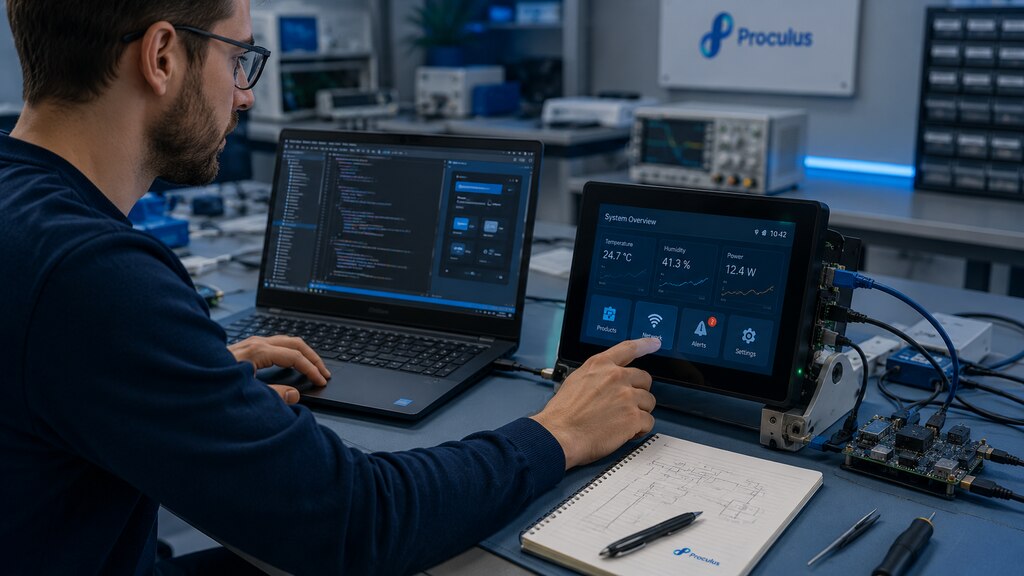 Android displays are no longer limited to consumer tablets and smartphones. In embedded engineering, an Android Display Module can operate as the visual interface, processing platform, connectivity hub, and application layer of a complete device.
For product teams, this can reduce development complexity and accelerate time to market.
Instead of designing a display, processor board, operating system, communication interface, and touchscreen stack separately, engineers can start from an integrated Android-based platform.
However, choosing the right Android Display Module is a system-level decision.
The wrong module can create performance bottlenecks, thermal problems, software maintenance issues, mechanical conflicts, or supply chain risk.
This guide explains how engineers should evaluate Android displays for embedded projects, industrial control, smart retail, healthcare devices, and smart home systems.
Android displays are no longer limited to consumer tablets and smartphones. In embedded engineering, an Android Display Module can operate as the visual interface, processing platform, connectivity hub, and application layer of a complete device.
For product teams, this can reduce development complexity and accelerate time to market.
Instead of designing a display, processor board, operating system, communication interface, and touchscreen stack separately, engineers can start from an integrated Android-based platform.
However, choosing the right Android Display Module is a system-level decision.
The wrong module can create performance bottlenecks, thermal problems, software maintenance issues, mechanical conflicts, or supply chain risk.
This guide explains how engineers should evaluate Android displays for embedded projects, industrial control, smart retail, healthcare devices, and smart home systems.
What Is an Android Display Module?
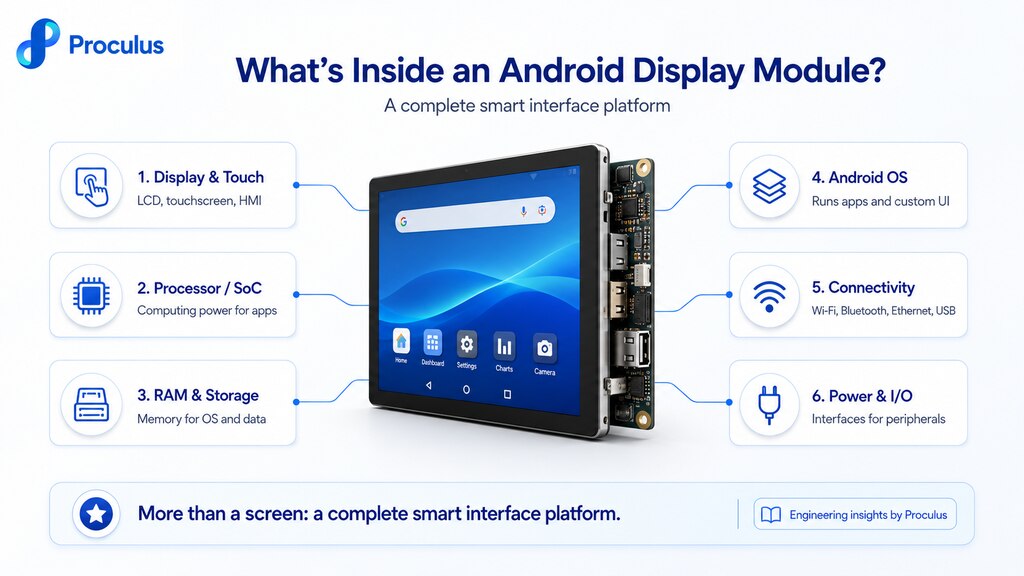
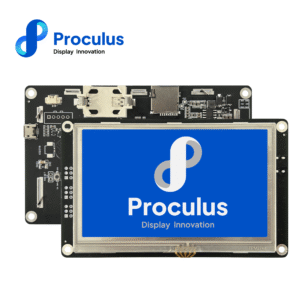
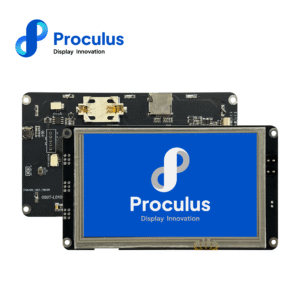
An Android Display Module is an integrated display solution that combines an LCD screen, touchscreen, processor, memory, storage, Android operating system, and connectivity interfaces into one embedded module. Unlike a standard HDMI monitor, an Android Display Module does not only show content from an external computer. It can run Android applications directly on the device. This makes it suitable for products that need a smart interface, local processing, network connectivity, multimedia functions, and a flexible software environment. Proculus Android Display Modules are designed for embedded projects that need customizable Android operation, strong processing performance, open development resources, and practical integration into industrial, medical, kiosk, and smart terminal applications. Explore Proculus Android LCD Module solutions here!How Does an Android Display Module Work?
An Android Display Module works as a self-contained embedded computing platform. The processor runs the Android operating system, the application software controls the user interface, and the LCD/touchscreen provides the human-machine interaction layer. A typical Android Display Module includes:- LCD panel
- Capacitive or resistive touch panel
- SoC processor
- RAM
- eMMC or flash storage
- Android OS image
- UART, USB, Ethernet, Wi-Fi, Bluetooth, or other interfaces
- Audio, camera, or peripheral support depending on the model
- Power input and internal power management
Why choosing an Android Display Module is a system-level decision?
Selecting an Android Display Module affects the entire device architecture. The module is not only a display component. It can define processing capacity, operating system behavior, connectivity, UI performance, power consumption, thermal design, and software maintenance strategy.- The engineering team should evaluate:
- CPU and GPU performance
- RAM and storage capacity
- Android version and long-term support
- Boot time
- Application workload
- Display size and resolution
- Touch response
- Peripheral interfaces
- Network connectivity
- Power budget
- Heat dissipation
- Mechanical mounting
- Operating environment
- Lifecycle availability
Core technical specifications engineers must analyze when choosing the right Android Display Module
A specification table is useful, but it does not tell the full story. Engineers should evaluate each specification according to the real workload, operating environment, and lifecycle expectations of the final device.Processor (SoC) Performance
The processor determines how well the module handles UI rendering, background services, communication tasks, media playback, data logging, and application logic. For simple control panels, a cost-effective processor may be enough. For advanced kiosks, AI-assisted terminals, multimedia dashboards, or multi-screen control interfaces, a stronger processor may be required. A module that performs well during a short demo should also be tested under real application workload for extended operation.RAM and storage
RAM affects multitasking and application responsiveness. Storage affects app installation, OS image size, logs, local databases, cached media, and future updates. For production systems, leave margin. A module that runs at the edge of its memory capacity during development may become unstable after software updates, added features, or increased data volume.Android version & upgrade policy
The Android version affects application compatibility, security, API access, driver behavior, and long-term software support. Before selecting a module, engineers should confirm which Android version is available, whether customization is supported, how updates are managed, and whether the module can be locked down for the final product.Display characteristics
The display is the user’s primary point of contact with the device. Evaluate size, resolution, brightness, viewing angle, contrast, touch technology, cover lens, and mounting structure. A high-resolution display is not always the best choice if the processor, application, or UI design does not require it. The right display balances usability, cost, performance, and mechanical fit.Connectivity options
Android displays often need to communicate with sensors, controllers, payment systems, scanners, cameras, cloud services, or industrial equipment. The display module should support not only the current feature set but also realistic future expansion.Power requirements
Power design is critical for stable operation. Engineers should calculate startup current, peak load, average consumption, peripheral load, backlight consumption, and thermal impact. A stable Android module requires a stable power architecture. Many software-like failures are actually caused by weak power design.System integration: where engineering challenges arise
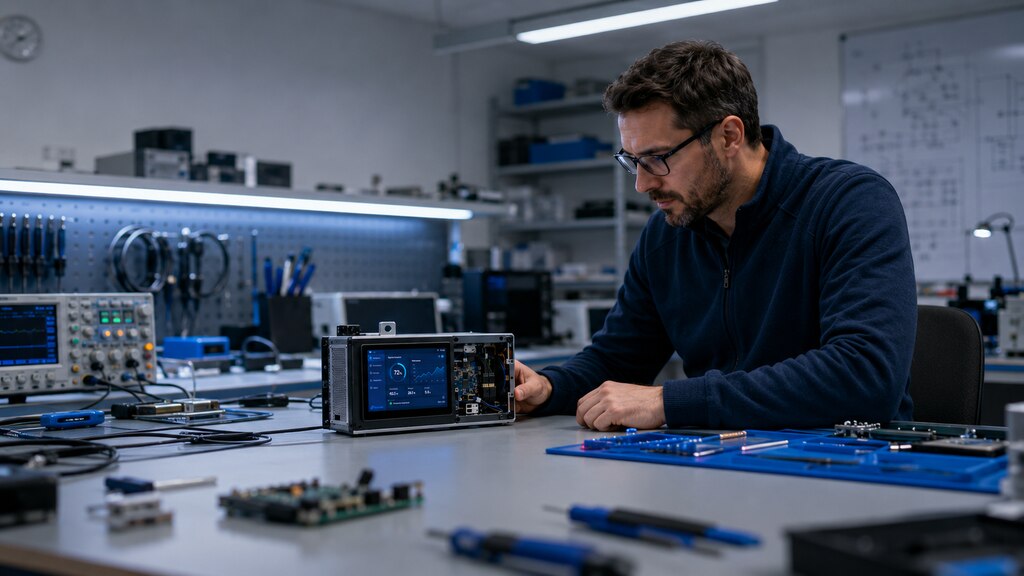 Most integration issues do not come from a single specification. They appear when the Android Display Module is installed into a real enclosure, connected to real peripherals, and used continuously in the target environment.
Mechanical design considerations
Mechanical integration includes outline dimensions, mounting holes, enclosure depth, connector access, ventilation, cover glass, and serviceability. Confirm that the module can be installed without mechanical stress and that cables can be routed safely. If the product requires a sealed enclosure, check how the display, touch panel, gasket, and front frame will interact.Peripheral integration
Android Display Modules often connect to scanners, printers, sensors, cameras, payment devices, relays, controllers, or cloud communication modules. Engineers should validate each peripheral with the target Android version and final application. Do not assume that a peripheral works only because the connector is available.Software deployment & customization
Software deployment is one of the main advantages of Android displays, but it also requires planning. Engineering teams should define how the application will be installed, updated, protected, and recovered in the field. For commercial devices, the module may require a custom launcher, restricted settings access, boot animation, system-level permissions, kiosk mode, remote update logic, or application auto-start.Thermal & reliability engineering
Android modules generate heat through the processor, backlight, power regulation, wireless communication, and connected peripherals. Thermal validation should be performed inside the final enclosure, not only on an open bench. High internal temperature can reduce reliability, affect touch performance, accelerate component aging, or cause CPU throttling.Frequent engineering pitfalls when selecting Android Display Modules
The most common mistakes happen when teams treat Android displays as “tablets without a case” rather than embedded system components. Avoid these pitfalls:- Selecting a module only by screen size
- Underestimating CPU and RAM requirements
- Ignoring Android version and update strategy
- Choosing insufficient storage
- Forgetting peripheral driver validation
- Leaving no margin in the power supply
- Testing on the bench but not inside the enclosure
- Ignoring boot time and recovery behavior
- Not planning kiosk mode or system lockdown
- Overlooking long-term product availability
- Assuming consumer Android behavior is acceptable for industrial use
Selecting the right Android Module based on use case
Different applications require different engineering priorities. The best module for a retail kiosk may not be the best module for a medical device or industrial controller.Smart retail kiosk
A smart retail kiosk needs a responsive interface, attractive display quality, stable connectivity, and peripheral support for devices such as scanners, printers, cameras, or payment systems.Industrial control interface
Industrial control interfaces require reliability, communication stability, and long-term operation. The display may need to connect with controllers, sensors, gateways, or automation systems.Healthcare or medical device
For healthcare and medical device interfaces, the display must support clear information presentation, stable touch response, and controlled integration into the final device. Depending on the application, additional regulatory, hygiene, safety, and documentation requirements may apply. The module should always be validated according to the requirements of the specific healthcare or medical device category.Smart home
Smart home products benefit from Android displays because they can provide a familiar UI, network connectivity, multimedia support, and app-based control.Partner with Proculus for reliable Android Display solutions!
Proculus Android Display Modules are designed for engineering teams that need a practical path from prototype to production. With multiple display sizes, processor options, Android-based customization, open development resources, and support for embedded applications, Proculus helps product teams build reliable smart interfaces faster. Whether you are developing a smart kiosk, industrial control panel, healthcare device, smart home product, or connected terminal, Proculus can help you select an Android display solution that fits your performance, integration, and lifecycle requirements. Explore Proculus Android LCD Module solutions here!Android Display FAQ
How do I get my screen back to normal on my Android phone?
On an Android phone, you can usually restore the screen by restarting the device, checking Display settings, turning off magnification, resetting font and display size, disabling dark mode if needed, or changing the launcher back to the default option. For embedded Android displays, the equivalent process depends on the system configuration. Engineers should check display orientation, launcher behavior, app auto-start settings, resolution scaling, and any custom OS restrictions.Where are the display settings on Android?
On most Android devices, display settings are found under Settings > Display. Depending on the Android version, this area may include brightness, screen timeout, font size, display size, dark theme, rotation, color mode, and lock screen options. On an embedded Android Display Module, access to these settings may be restricted or customized for kiosk, industrial, or production use.How do I turn on the display on Android?
For a phone or tablet, press the power button to wake the display. If the screen does not turn on, check the battery, charger, power button, and display timeout settings. For an embedded Android Display Module, confirm the power supply, input voltage, connector, boot sequence, backlight behavior, and application startup. If the module powers on but the UI does not appear, check the Android system image, app deployment, and display configuration.Which display is better for Android?
The best display for Android depends on the application. For embedded projects, engineers should evaluate screen size, resolution, brightness, viewing angle, touch technology, processor performance, RAM, storage, Android version, connectivity, power requirements, thermal behavior, and long-term availability. For industrial and commercial devices, the best Android display is not simply the highest-resolution screen. It is the module that delivers stable performance, practical integration, software flexibility, and reliable operation in the final environment.

PHP Code Snippets Powered By : XYZScripts.com