 English

Arduino Projects for Intelligent Displays: Practical Engineering Applications and Integration Guide
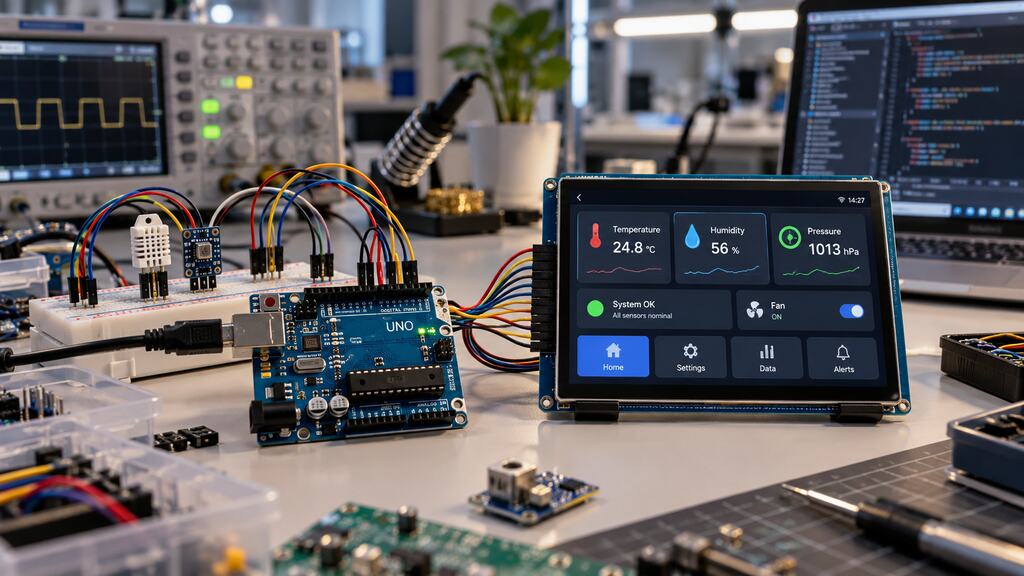 Arduino projects have evolved beyond educational experiments and hobbyist electronics.
Today, Arduino-compatible development boards provide engineers with an accessible platform for testing embedded systems, validating hardware concepts, and developing functional prototypes for commercial applications.
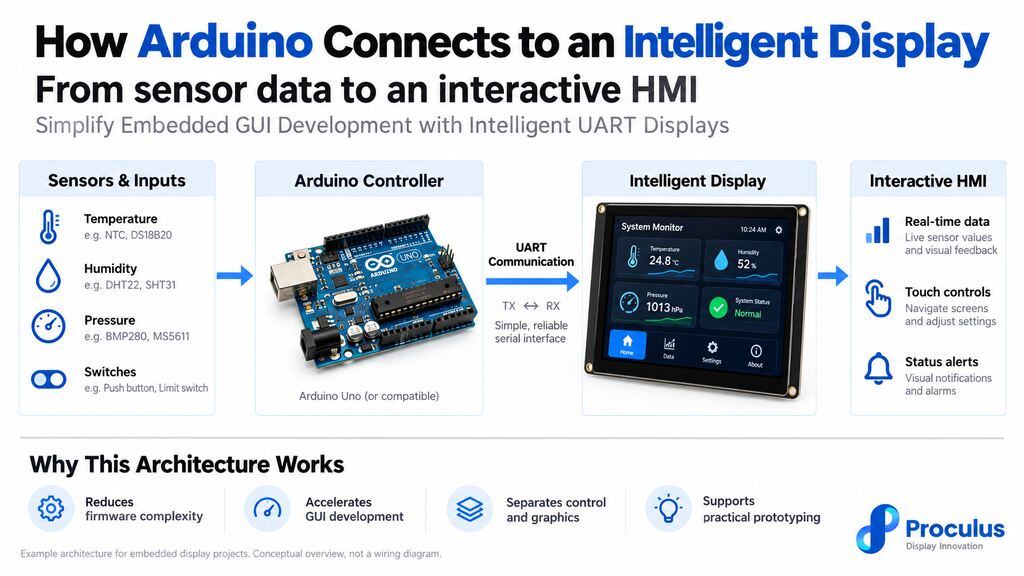
When combined with intelligent displays, Arduino-based systems can support interactive control panels, real-time sensor visualization, equipment monitoring, and other human-machine interface (HMI) applications.
However, moving from a working prototype to a reliable commercial product requires more than connecting a screen to a microcontroller.
Engineers must evaluate communication protocols, processing limitations, display compatibility, environmental conditions, and long-term component availability.
This guide explores practical Arduino projects involving intelligent displays, explains the technical considerations behind successful integration, and outlines strategies for developing embedded interfaces that can transition from prototyping to production.
Arduino projects have evolved beyond educational experiments and hobbyist electronics.
Today, Arduino-compatible development boards provide engineers with an accessible platform for testing embedded systems, validating hardware concepts, and developing functional prototypes for commercial applications.
When combined with intelligent displays, Arduino-based systems can support interactive control panels, real-time sensor visualization, equipment monitoring, and other human-machine interface (HMI) applications.
However, moving from a working prototype to a reliable commercial product requires more than connecting a screen to a microcontroller.
Engineers must evaluate communication protocols, processing limitations, display compatibility, environmental conditions, and long-term component availability.
This guide explores practical Arduino projects involving intelligent displays, explains the technical considerations behind successful integration, and outlines strategies for developing embedded interfaces that can transition from prototyping to production.
Why is Arduino popular for embedded display development?
Arduino is widely used in embedded development because it combines accessible hardware, a familiar programming environment, and a large ecosystem of compatible components. Its open-source foundations, extensive documentation, and established libraries allow engineers to evaluate hardware configurations without developing an entire system architecture from scratch. For display-related applications, Arduino offers several practical advantages:- Rapid prototyping: Engineers can connect sensors, communication modules, and displays to validate functionality early in development.
- Hardware flexibility: Different Arduino boards provide varying processing capabilities, memory capacities, and communication interfaces.
- Extensive library support: Libraries simplify interactions with common sensors, peripheral devices, and display controllers.
- Accessible development tools: The Arduino IDE supports firmware development, debugging, and iterative testing.
- Cost-effective experimentation: Development boards and compatible components allow teams to explore multiple design approaches before committing to custom hardware.
Which Arduino projects are relevant for commercial applications?
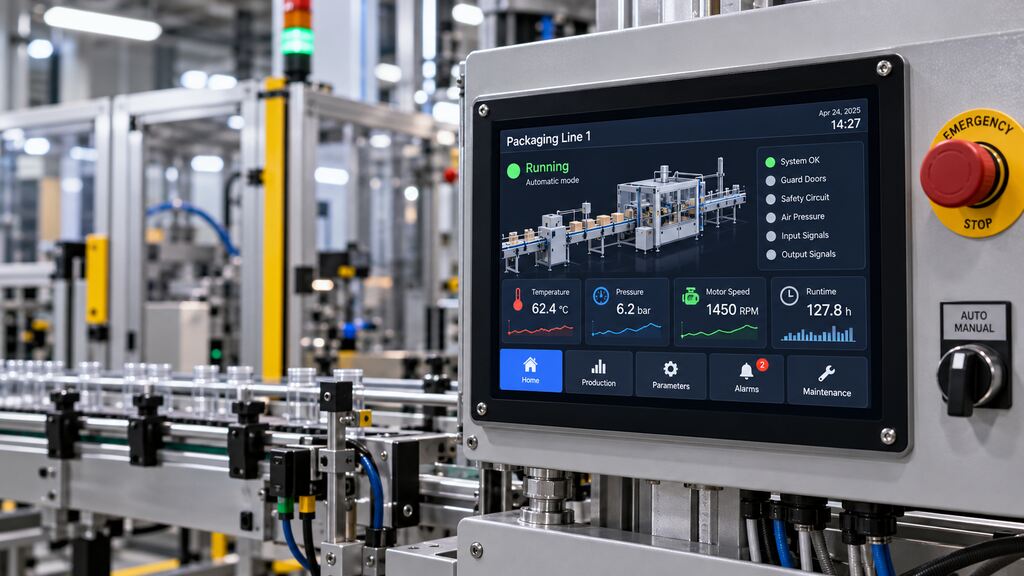
Commercial Arduino projects typically begin as prototypes intended to validate a technical concept, evaluate system behavior, or demonstrate a product’s functionality. Although Arduino development boards are not automatically suitable for every production environment, their accessibility makes them valuable during early engineering stages. Several application categories are particularly relevant when integrating Arduino-compatible controllers with intelligent displays.Industrial monitoring
Industrial monitoring systems collect and display operating information from machines, manufacturing equipment, and process environments. An Arduino-based prototype can acquire measurements from compatible sensors and present relevant information through a connected display. Typical monitoring parameters include:- Temperature and humidity
- Pressure and fluid levels
- Motor operating status
- Equipment runtime\
- Alarm conditions
- Process measurements
Environmental sensors
Environmental monitoring is another practical category of Arduino projects, particularly for applications involving distributed measurements and localized data visualization. An Arduino-compatible controller can communicate with temperature, humidity, air quality, or light sensors to collect environmental information. Possible applications include greenhouse monitoring, laboratory equipment prototypes, agricultural systems, and building environmental controls. A display can provide immediate access to measurements without requiring a separate computer or mobile device. For example, a greenhouse monitoring interface might present:- Current temperature and humidity
- Soil moisture measurements
- Lighting conditions
- Ventilation status
- Configurable operating thresholds
Smart home interfaces
Arduino-based smart home projects provide a practical environment for developing user interfaces for connected devices. Applications may include lighting controls, thermostat prototypes, ventilation systems, access-control demonstrations, and appliance interfaces. A typical system combines a microcontroller, sensors or actuators, and a touchscreen for local interaction. Users might adjust temperature settings, activate lighting modes, monitor power consumption, or review device status through the graphical interface. Intelligent displays can simplify this architecture by providing configurable interface elements such as buttons, sliders, icons, and numerical indicators. Instead of implementing every graphical function within the Arduino firmware, developers can use a display module that processes interface interactions and exchanges commands with the controller. For commercial smart home products, engineers should also consider cybersecurity, user authentication, electrical safety, and interoperability with the intended automation ecosystem.Equipment status displays
Equipment status interfaces are particularly relevant for original equipment manufacturers (OEMs) developing machines with local controls. These displays allow operators to monitor operating conditions and identify faults without accessing internal electronics. A typical equipment status display may show operating modes, system readiness, error codes, maintenance reminders, and performance indicators. An Arduino prototype can simulate these functions using switches, sensors, and predefined operating states. For example, the controller might send status updates such as Running, Standby, Maintenance Required, or Fault Detected to an intelligent display. Touchscreen controls can provide additional interaction, such as navigating menus or acknowledging notifications. However, safety-critical functions must be implemented through appropriately engineered control hardware and should not rely exclusively on a touchscreen interface.Develop Smarter Arduino Display Projects with Proculus Technologies!
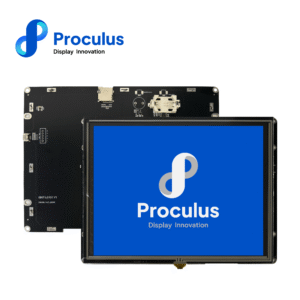
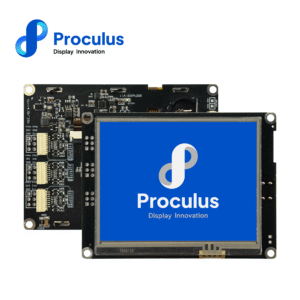
Building an effective embedded interface requires the right balance between microcontroller capabilities, display performance, communication architecture, and development efficiency. Arduino provides a flexible foundation for prototyping and evaluating embedded applications. Combining it with an intelligent display can simplify graphical interface development while allowing the controller to focus on sensors, communication, and application logic. Proculus Technologies provides smart UART TFT LCD modules designed to support this approach. With UnicView Studio, engineers can build graphical interfaces using visual design tools and configure display functions without developing every graphical element directly in microcontroller firmware. Proculus also provides Arduino-related development resources and its P.BOX starter kit, which includes a 2.8-inch smart display and accessories for evaluating embedded interface concepts. From initial prototypes to commercial equipment interfaces, selecting compatible display hardware and establishing a maintainable communication architecture can help reduce unnecessary development complexity.

PHP Code Snippets Powered By : XYZScripts.com