 English
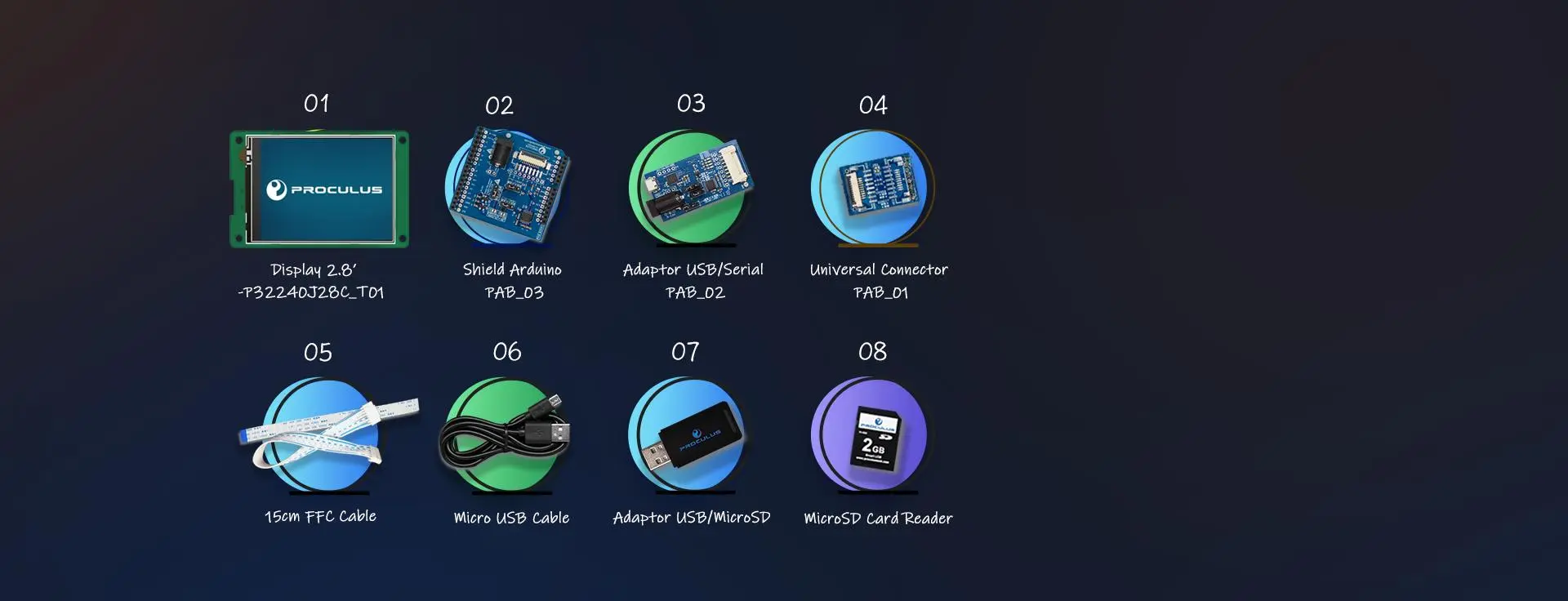
 STARTER KIT

Enhance your projects with the our complete Starter Kit
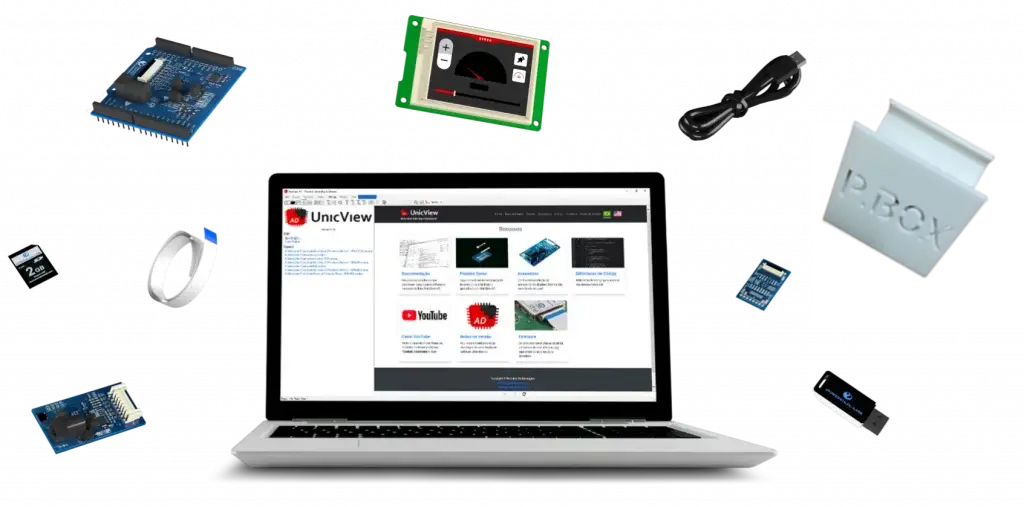
P.BOX is complete starter kit including a 2.8" color display, Shield Arduino, adapters, cables and other items you may need.
With it, you can try our solution to create a professional graphical interface efficiently.

DOWNLOAD
Click here to get the download document from Proculus
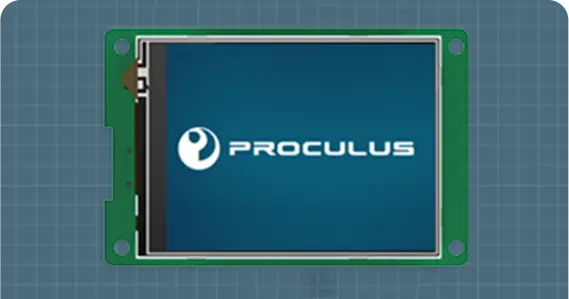
2.8 Inch 320*240 LCD Module
Support wide range of power supply: Default is 6~35V, use jumper to choose 4.5~5.5V.
Support RS232/TTL/CMOS, the max baud rate is 921600bps.
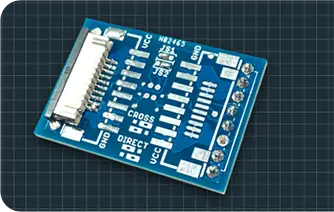
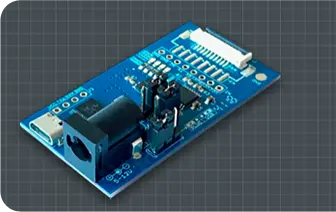
Universal connector adaptor
It provides flexible physical connection between the connector types used by Proculus LCMs.
It may be ordered with any of the Proculus LCM connectors.
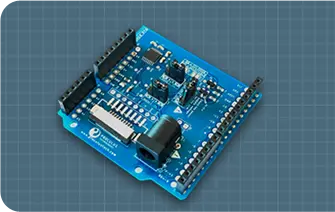
USB→UART converter
It is used to connect a Proculus LCM into a computer, for development and debugging purposes, using UnicView Terminal.
Level: TTL/CMOS and RS232.
UnicView AD: Easy to Program
UnicView AD is a software used for creating graphical user interfaces (GUIs) that can be displayed on the P.BOX 2.8" module.
Upon purchasing your P.BOX, you will receive a free forever license key to install UnicView AD on your computer.
It is easy to use, thanks to its fully visual drag and drop system, which allows for simple creation of screens by drawing buttons and dials.

Working Days: Monday ~ Friday
We will receive your questions 24 hours after you get in touch and help you solve the problem