English

Embedded display: how to choose the ideal solution for your project
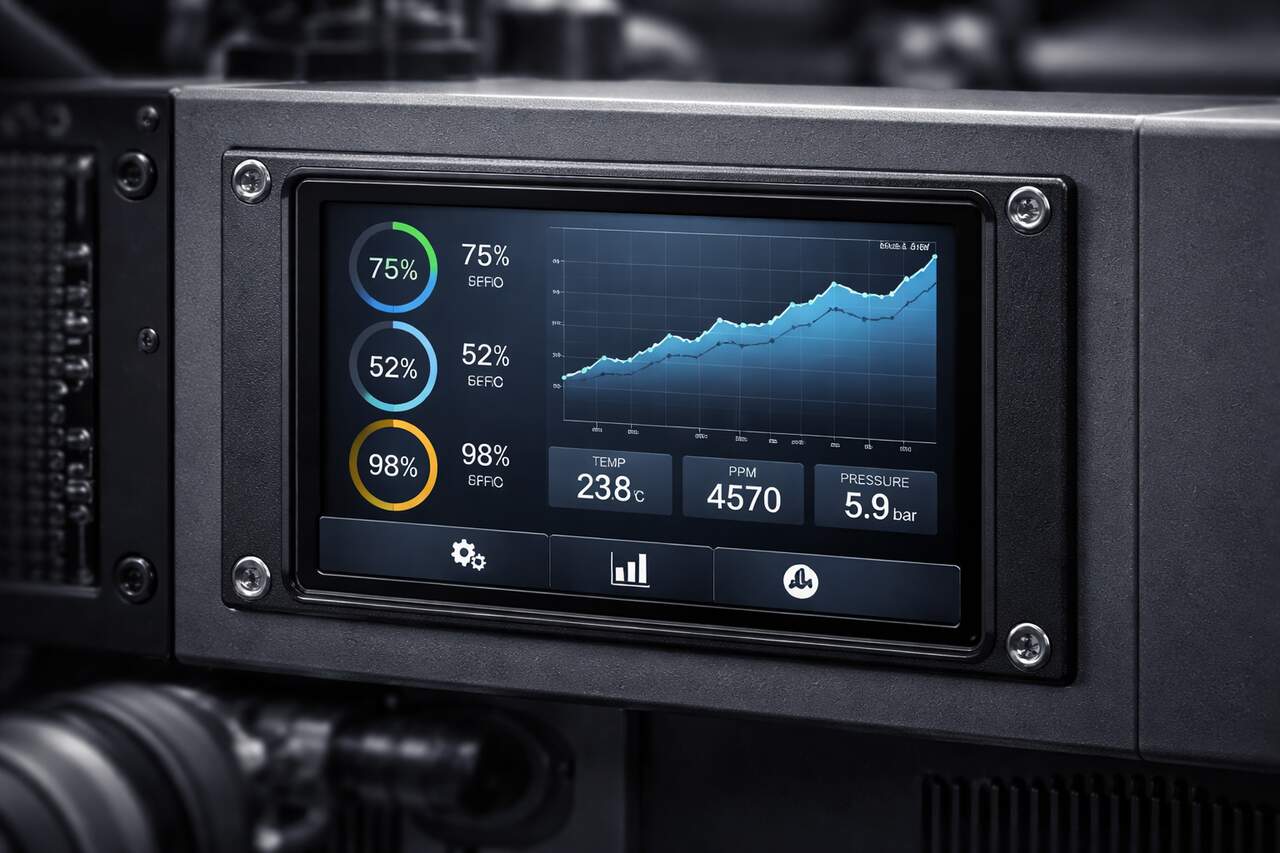
The embedded display often becomes a critical decision when engineers need better visibility, lower power consumption, longer component availability, and reliable integration with processors and touch interfaces.
Choosing the wrong technology can increase costs, limit performance, and shorten product lifespan.
In 2025, the global embedded display market reached US$24.5 billion, showing how quickly these components are becoming more important across industrial, medical, automotive, and portable devices.
Understanding the main technologies, trade-offs, and selection criteria helps create more efficient projects today.
What is an embedded display?
An embedded display is a screen integrated into a device, machine, or system to show data, controls, or visual feedback.
A modern display can be found in medical monitors, factory HMIs, automotive dashboards, and portable devices.
The global embedded display market was valued at about $24.5 billion in 2025 and is expected to reach $38.8 billion by 2032, growing 6.8% annually.
This shows that choosing the right display technology is becoming increasingly strategic for industrial and embedded projects.
What are the types of embedded displays?
Different projects demand different screen behaviors, from power efficiency to color accuracy.
Below we explore the main types of display available today, so you can understand which one fits your application best.
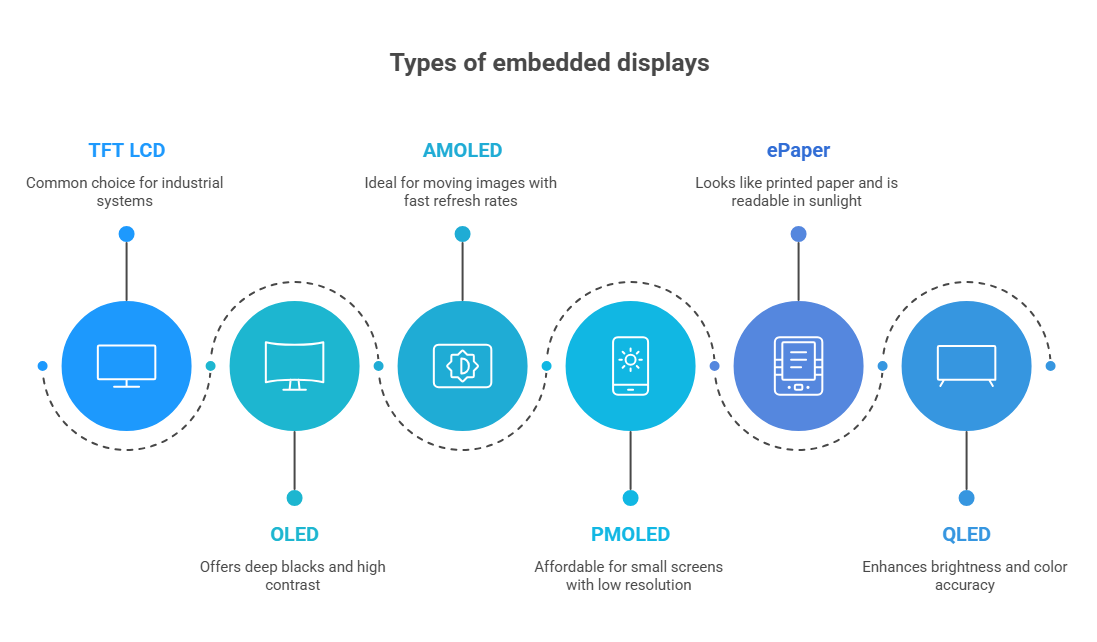
TFT LCD
TFT LCD displays are the most common option in industrial and embedded systems.
They provide balanced cost, good brightness, accurate colors, and multiple size options.
A TFT-based embedded display works well in control panels, handheld equipment, and HMI interfaces.
Furthermore, it is especially suitable when long-term availability and stable performance are priorities.
In the video below, see how the Proculus TFT LCD module works for a ventilator machine:
OLED
OLED displays use organic light-emitting materials, so each pixel creates its own light.
This delivers deep blacks, high contrast, and thin designs.
Precisely for that reason, an OLED embedded display is often chosen for premium products, wearable devices, and applications that require sharp visuals in a compact space.
AMOLED
AMOLED (Active-Matrix Organic Light Emitting Diode) is a refined version of OLED with a thin-film transistor array.
This embedded display type delivers faster refresh rates and lower power consumption for moving images.
It’s ideal for smartphones, smartwatches, and high-end automotive displays.
Furthermore, the active matrix allows each pixel to be addressed individually, improving resolution.
PMOLED
PMOLED technology is simpler and less expensive than AMOLED.
It is normally used in small screens with limited resolution, such as measurement instruments, simple control systems, and compact electronic devices.
A PMOLED embedded display is useful when the project needs a small screen with low power consumption and low cost.
ePaper
Epaper displays imitate the appearance of printed paper and consume almost no power while showing static information.
That is why they are ideal for digital labels, logistics devices, smart shelves, and outdoor equipment.
Because they remain visible under sunlight, they are often selected for products that need excellent readability and long battery life.
QLED
QLED technology uses quantum dots to improve color accuracy and brightness.
Compared with traditional LCD screens, it offers more vivid images and stronger performance in bright environments.
This solution is often used in advanced industrial panels, premium medical devices, and applications that require detailed visualization.
Also read: OLED vs QLED- Find Out Which One Fits Your Needs
Pros and cons of buying a ready-to-use display
Buying a ready-to-use display can reduce development time and simplify integration, especially in projects with tight deadlines.
However, this choice also affects customization, long-term availability, and overall cost.
Understanding these advantages and limitations helps define whether a standard product is the best fit for the application.
| Pros | Cons |
| Faster development because the solution is already tested and available. | Limited customization in size, format, brightness, and touch technology. |
| Lower engineering effort, reducing design time and internal costs. | Greater dependence on the supplier and component availability. |
| Easier integration with standard interfaces such as HDMI, LVDS, MIPI, and SPI. | Possible compatibility limitations with specific processors or enclosures. |
| Lower technical risk, since suppliers usually provide documentation and support. | Higher total cost in large production volumes. |
| A ready-made display can simplify prototyping and accelerate product launch. | Some products may become obsolete quickly, affecting long-term projects. |
Pros and cons of designing your own display
Designing a custom display offers more control over size, performance, interfaces, and long-term availability.
At the same time, it requires more engineering effort, longer development, and greater investment.
Comparing both sides helps determine whether customization is worth it for the project.
| Pros | Cons |
| Complete freedom to define size, shape, interface, and performance. | Longer development cycle and higher initial investment. |
| Better adaptation to harsh environments, such as high temperatures or vibration. | Greater engineering complexity involving hardware, firmware, and mechanics. |
| Possibility of reducing production cost in large-scale projects. | Higher risk of technical errors during validation and manufacturing. |
| A custom display can strengthen product differentiation and improve the user experience. | Need for specialized testing related to brightness, touch response, EMC, and durability. |
| More control over the supply chain and long-term component strategy. | More time is required before the product reaches the market. |
How to choose a high-quality embedded display
Selecting the right display means balancing optical performance, environmental tolerance, interface compatibility, and long-term availability without overpaying for unused features.
- Define the operating environment. Check temperature, humidity, vibration, dust, and outdoor exposure.
- Determine the required screen size and resolution according to the user interface.
- Evaluate brightness and contrast. For external environments, higher brightness is essential.
- Choose the correct touch technology, such as capacitive or resistive, depending on the application.
- Confirm compatibility with the processor and communication interface.
- Review long-term availability and supplier support to avoid future redesigns.
- Analyze certifications and reliability tests, especially in industrial and medical projects.
- Compare the total cost of ownership instead of focusing only on the purchase price.
A reliable embedded display should combine performance, durability, availability, and efficient integration.
Discover the ideal display for your equipment and simplify integration from the start. Contact the team of Proculus today.
FAQ
Which interface is most common in embedded display projects?
LVDS, MIPI DSI, HDMI, and SPI are the most common interfaces. The correct choice depends on processor compatibility, bandwidth, cable length, and image quality requirements. MIPI is common in compact devices, while LVDS remains popular in industry.
Why is long-term availability important for industrial projects?
Industrial equipment often remains in the market for many years. If a display becomes obsolete too quickly, redesign costs increase. Long-term component availability helps maintain production continuity, simplifies maintenance, and reduces unexpected engineering expenses.
What is optical bonding in industrial screens?
Optical bonding is a process that removes the air gap between the screen and the protective glass. This improves contrast, reduces reflections, increases durability, and delivers better readability in environments with sunlight or vibration.
Can industrial displays work with gloves?
Yes. Some capacitive touch screens support glove mode, while resistive touch technology naturally works with gloves, stylus pens, and other objects. The best option depends on whether the application requires precision, speed, or ruggedness.
How does power consumption influence display selection?
Low power consumption is essential in portable or battery-powered equipment. Technologies such as OLED and ePaper usually consume less energy than traditional LCD solutions, helping extend battery life and improve overall product efficiency.