 English

Smart Screens: Find out How They Work and When to Use Them
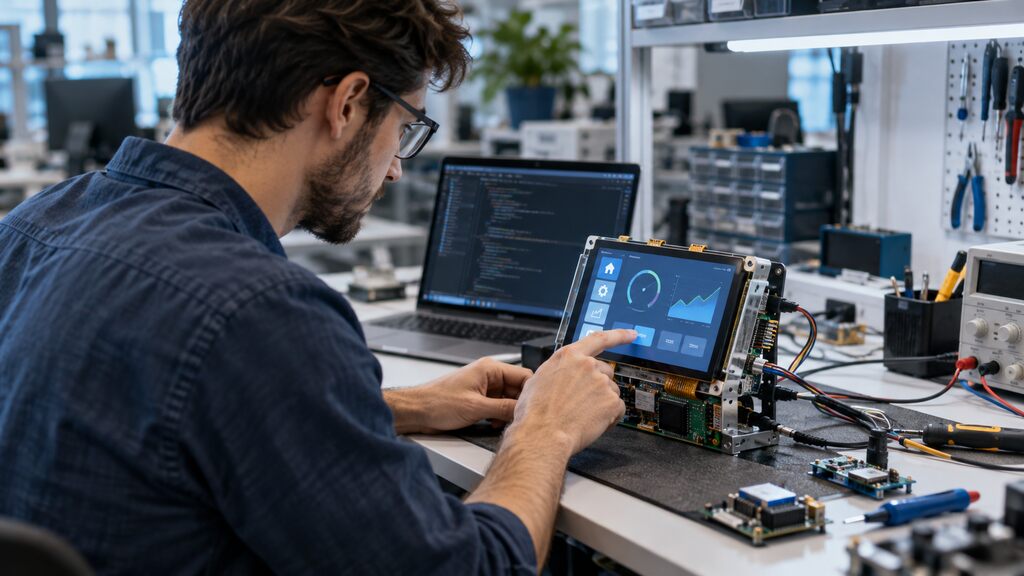 With each new release, smart screens have been revolutionizing the experience of individuals when using the most diverse devices and devices.
It is very likely that you have already heard about virtual assistants such as Amazon Alexa, Siri and Google Home.
If you’re attracted to the benefits of these systems, you’re sure to appreciate what smart displays can offer.
Being used in other segments, such as medicine, agriculture and industry, these devices offer a better interface between man and machine.
But, what do smart displays really mean? Why have they become so popular? Keep reading this article to find out!
With each new release, smart screens have been revolutionizing the experience of individuals when using the most diverse devices and devices.
It is very likely that you have already heard about virtual assistants such as Amazon Alexa, Siri and Google Home.
If you’re attracted to the benefits of these systems, you’re sure to appreciate what smart displays can offer.
Being used in other segments, such as medicine, agriculture and industry, these devices offer a better interface between man and machine.
But, what do smart displays really mean? Why have they become so popular? Keep reading this article to find out!
What are smart screens?
Smart screens are devices that connect to electronic equipment to access information and respond to user commands. Similar to tablets, they are generally less portable because they need to remain connected to equipment. However, depending on the model chosen, it is possible to configure a smart screen to the Wi-Fi network more easily. A popular example of a smart display is the Amazon Echo Show, linked to the Amazon Alexa operating system, which includes a high definition display connected to the speaker. That way, if you ask how the weather is going, in addition to listening, you’ll see weather information right on the screen. Also designed to reside in a permanent location within homes, like smart home lcd panel, smart screens can be applied in various sectors, such as:- The doctor.
- Industrial.
- Agricultural.
- Veterinarian.
- Laboratory.
What are smart screens for?
Increasingly popular, smart screens still cause doubts in many consumers. While our custom display modules are mostly used for industrial segments, the most popular types of smart screens used in homes are connected to smart speakers. In this case, the smart display serves as a complement to the popular Amazon Alexa or Google Assistant, offering them a good visual aspect. Therefore, in addition to defining voice commands, it is possible to watch videos and make video calls with these devices, due to the possibility that a graphical and interactive screen brings. In the commercial area, smart screens serve to simplify processes, increase efficiency and empower people to make better decisions. This is because they can be integrated into management, automation and supervision processes. In the medical sector, for example, they are in rehabilitation and aesthetic equipment, defibrillators, blood pressure meters and lung ventilators. In the agricultural sector, the interactivity and automation of on-board monitors on tractors and harvesters, conveyor controllers, electronic scales, etc.What are the main uses of smart screens?
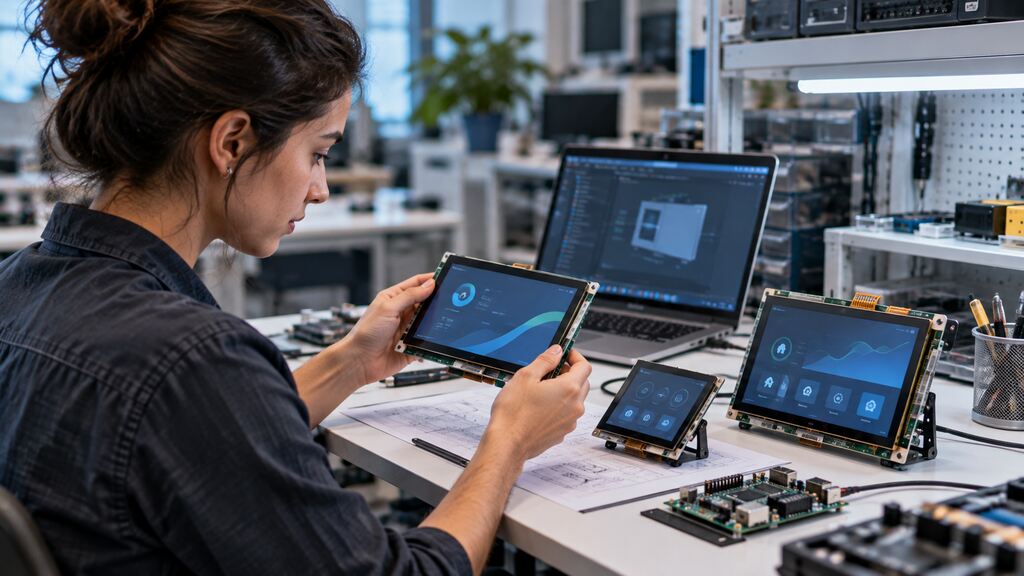 Smart displays like lcd screen android and uart display — especially those from Proculus — are used for a variety of purposes.
In commercial versions, they can be used for the same things a speaker assistant does, but with extra visuals.
Instead of just listening to the news about a fire, for example, you can view images and watch videos on the spot.
Some of the features of a smart screen inside homes are:
Smart displays like lcd screen android and uart display — especially those from Proculus — are used for a variety of purposes.
In commercial versions, they can be used for the same things a speaker assistant does, but with extra visuals.
Instead of just listening to the news about a fire, for example, you can view images and watch videos on the spot.
Some of the features of a smart screen inside homes are:
- Control of other smart devices indoors.
- Display step-by-step recipes.
- Video chats with friends and family.
- Photo display as a picture frame.
- Playing videos.
- Interactive control panels.
- Remote supervision of stock and processes.
- Automation of production lines.
- Management systems.
- Simultaneous access to production and quality data.
- Building automation.
How to Choose the Right Smart Screen for your application?
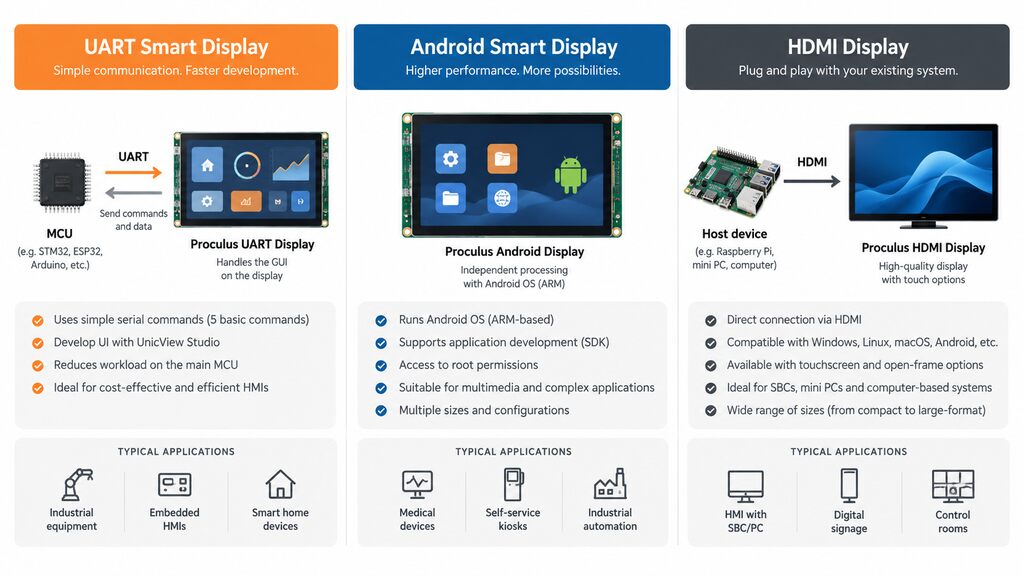
Choosing a smart screen starts with understanding the requirements of the system it will become part of. Screen size and resolution matter, but they are only part of the decision. Engineers should first consider how the display will communicate with the main system. A UART display, for example, can be a practical choice for embedded projects in which a microcontroller needs to exchange commands and data with the HMI without handling the entire graphical interface. For applications that require more processing power, multimedia capabilities or the ability to run applications directly on the display platform, an Android-based module may be more appropriate. HDMI displays, on the other hand, can simplify integration when the host system already provides an HDMI output, such as a Raspberry Pi, mini PC or computer. Other important factors include:- Screen size and resolution: consider the amount of information the interface needs to display, viewing distance and available installation space.
- Touch technology: determine whether the application requires touch input and what type of interaction users will have with the interface.
- Processing requirements: assess whether the display only needs to provide an HMI or must also handle applications, multimedia and more complex processing.
- Communication interfaces: check compatibility with the MCU, processor or host system used in the project.
- Operating environment: consider temperature, continuous operation and the conditions in which the equipment will be installed.
- Mechanical integration: evaluate dimensions, mounting requirements and enclosure design.
- Software development: consider the tools, SDKs and development resources available for creating and maintaining the interface.
- Long-term requirements: for commercial and industrial products, availability, technical support and future maintenance should also be considered.
What are the advantages of smart screens?
So far, it is already possible to see the various advantages offered by the adoption of smart displays in home assistance devices. It is possible to perform several tasks simultaneously from a distance, view the schedule for the week and see details about the latest news. All this through a single smart device. In commerce, benefits include increased production, establishing smarter processes, and clear visualization of failures and results. This means that, instead of just relying on manual activity and several paper reports, you can monitor and control processes from wherever you are in real time.3 Examples of smart screen usage
In practice, the smart screens we see on a daily basis are already established bluetooth speakers but augmented with displays that increase their usability. However, for the industry, the models that we have as a solution are presented in different nomenclatures, specifications, models and sizes. Each model can be used for developing projects with specific purposes. Check out 3 examples of using smart screen below:1. Home automation
With smart screens linked to virtual assistance devices or panels, it is possible to facilitate tasks and connect electronic devices for remote control. Smoke sensors, electronic locks, smart lamps and timers are some examples of automation in homes.2. Automation of production lines
Within the concept of the internet of things, the use of smart screens can reduce the complexity of operations and provide agile communication in companies. It is possible to create interactive dashboards, access data instantly, command access and stop processes when necessary.3. Building automation
Heating systems, smart light controllers, viewing images from cameras… all this is facilitated with the use of smart panels. Discover the smart displays and discover the best model for your application!What should engineers consider before deploying smart screens?
Before deploying a smart screen, engineers should look beyond the user interface itself and consider how the display will interact with the complete system throughout its lifecycle. Start by defining what tasks should be handled by the display and what should remain with the host MCU or processor. This decision affects processing requirements, communication architecture, software complexity and ultimately the type of smart screen required. The communication interface should also be validated early in development. Engineers need to make sure the display can exchange the necessary commands and data with the existing hardware without creating unnecessary integration complexity. Environmental and operational requirements are equally important. A smart screen installed in industrial equipment may operate for long periods and under very different conditions from a consumer display used indoors. Temperature range, expected operating hours, installation conditions and touch requirements should therefore be established before selecting the module. Prototyping is also an important part of the process. Testing the display with the actual controller, interface and intended workload helps identify integration issues before the project reaches production. Finally, consider future maintenance. Access to technical documentation, development tools, SDKs and support can be just as important as the display specifications when a product needs to remain operational for years.What is the difference between a smart screen and an interactive display?
The terms are sometimes used interchangeably, but they describe different concepts. An interactive display is primarily defined by the way users interact with it. A touchscreen monitor, for example, can receive touch input while relying on an external computer or controller to process the application. A smart screen, in an embedded context, combines the display with additional electronics and capabilities that allow it to perform part of the interface or processing tasks itself. Depending on its architecture, it may communicate directly with a microcontroller, execute graphical functions independently or even run an operating system and applications. For engineers, the practical difference lies in the system architecture. A conventional interactive display may act mainly as an input and output device, while a smart screen can take responsibility for part of the HMI, reducing the workload placed on the host system.Find the Right Smart Screen for Your Project With Proculus
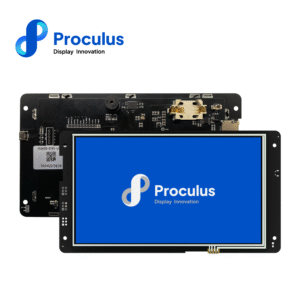
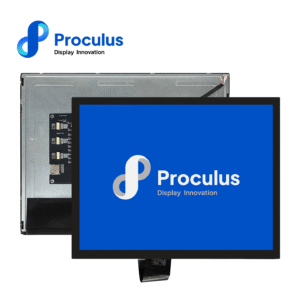
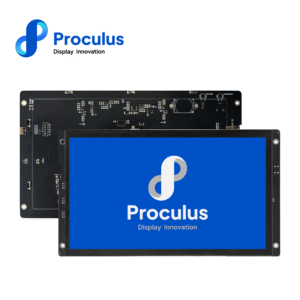
Smart screens are not one-size-fits-all components. Different applications require different processing capabilities, communication interfaces, screen sizes and levels of software integration. Proculus offers several display architectures for these requirements. UART TFT LCD modules are designed to simplify HMI development through serial communication, with interfaces created using UnicView Studio. The communication architecture uses five basic serial commands, helping reduce the development work required from the host system. For more complex applications, Proculus Android LCD modules combine the display with ARM-based processing and provide access to SDK development resources and root permissions. HDMI displays provide another option for equipment based on Raspberry Pi, mini PCs and Windows, macOS, Linux or Android systems. The Proculus portfolio also includes multiple screen sizes, resolutions and hardware configurations, making it possible to select a module according to the requirements of the final equipment rather than adapting the entire project around a generic display. Explore Proculus smart display solutions and compare the available modules for your next embedded or industrial project!Frequently Asked Questions about smart screen
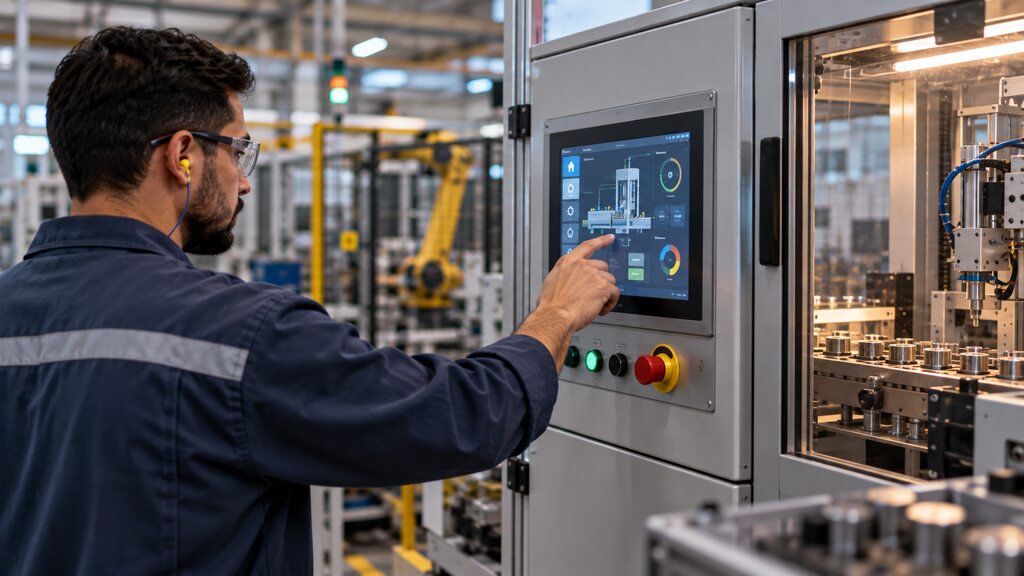 Still have questions about choosing or integrating a smart screen? Here are short answers to some common questions from engineers and developers:
Are Android-based smart screens suitable for 24/7 operation?
They can be, provided the module is designed for the operating conditions and duty cycle of the application. For continuous-use projects, check the manufacturer’s specifications for temperature, power, thermal management and expected operating conditions.Can a smart screen communicate directly with a microcontroller?
Yes. UART smart displays can communicate directly with compatible MCUs through serial commands, allowing the controller and display to exchange data without requiring the MCU to handle the entire graphical interface.When should I choose a UART smart screen instead of an Android display?
UART displays are well suited to embedded HMIs where the main requirement is exchanging commands and data with an MCU while keeping development relatively simple. Android displays are more appropriate when the interface requires greater processing capability, multimedia functions or applications running directly on the display platform.What screen size should I choose for an embedded HMI?
It depends on viewing distance, available installation space, the amount of information displayed and how users interact with the interface. Screen size should therefore be selected as part of the complete HMI design rather than as an isolated specification.Conclusion
The trend for the next few years is that the use of smart displays will continue to increase. If you are looking for greater visualization and more efficient controls in your equipment processes, be sure to consider the applications of smart screens. Read more content like this and ask your questions on the Proculus Tech blog and don’t forget to explore our full range of solutions and services designed to accelerate your innovation. Moreover, we provide specialized support to enhance your development journey. Rely on Proculus.

PHP Code Snippets Powered By : XYZScripts.com